Tap Support in a Live Battle
KNOWLEDGE CENTER · Tap the exact participant window you want to support; audio and playback remain separate controls.
Tap Support in a Live Battle
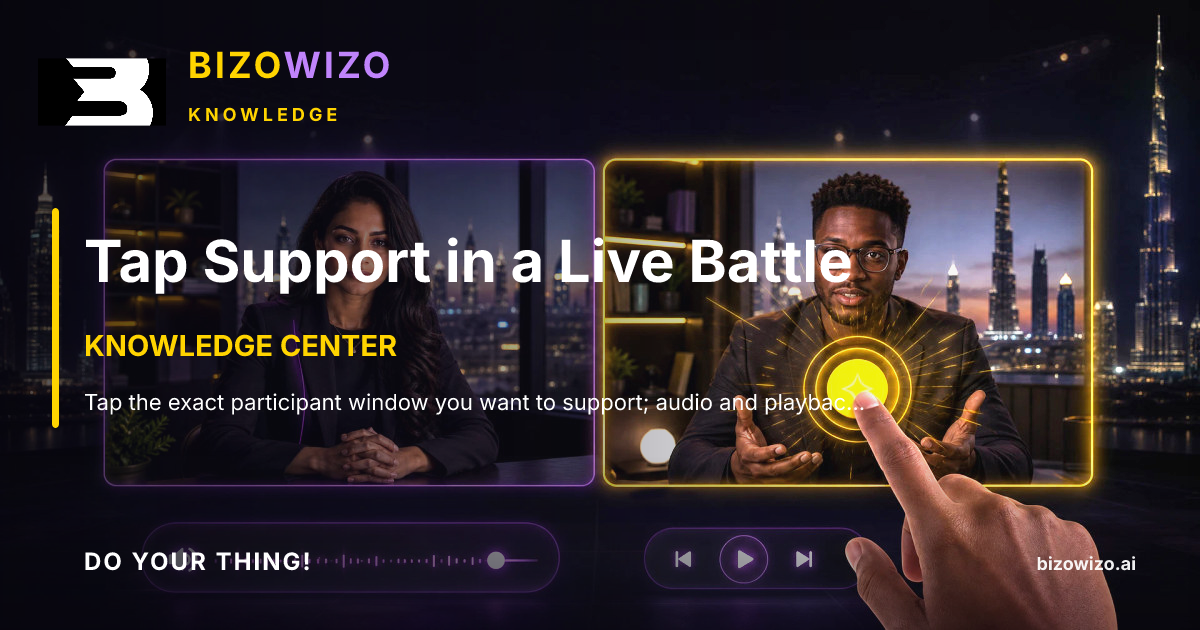
Tap the exact participant window you want to support; audio and playback remain separate controls.
1. Tap Support in a Live Battle
Enable Tap Support through the explicit opt-in before attempting the Battle gesture. Read and accept the one-Coin-per-accepted-Tap rule first, because the gesture spends an existing wallet Coin as real Support.
2. Tap Support in a Live Battle
Tap only inside the video window of the Battle participant you intend to support. Identify the participant before you tap, rather than assuming a tap elsewhere on the Battle screen will be assigned correctly.
3. Tap Support in a Live Battle
For each accepted Tap, exactly one existing wallet Coin is assigned to that participant, Pitch, and campaign, increasing that Battle side. The gesture is therefore campaign Support, not a free interaction or a general screen tap.
4. Tap Support in a Live Battle
Look for the animation only in the selected participant window. Taps outside the participant window, and use of the audio button, do not book Support, keeping audio and playback separate from Tap Support.